How to Optimize Images for Mobile Devices
A guide to serving appropriately sized and compressed images to mobile devices using responsive HTML tags and modern formats.
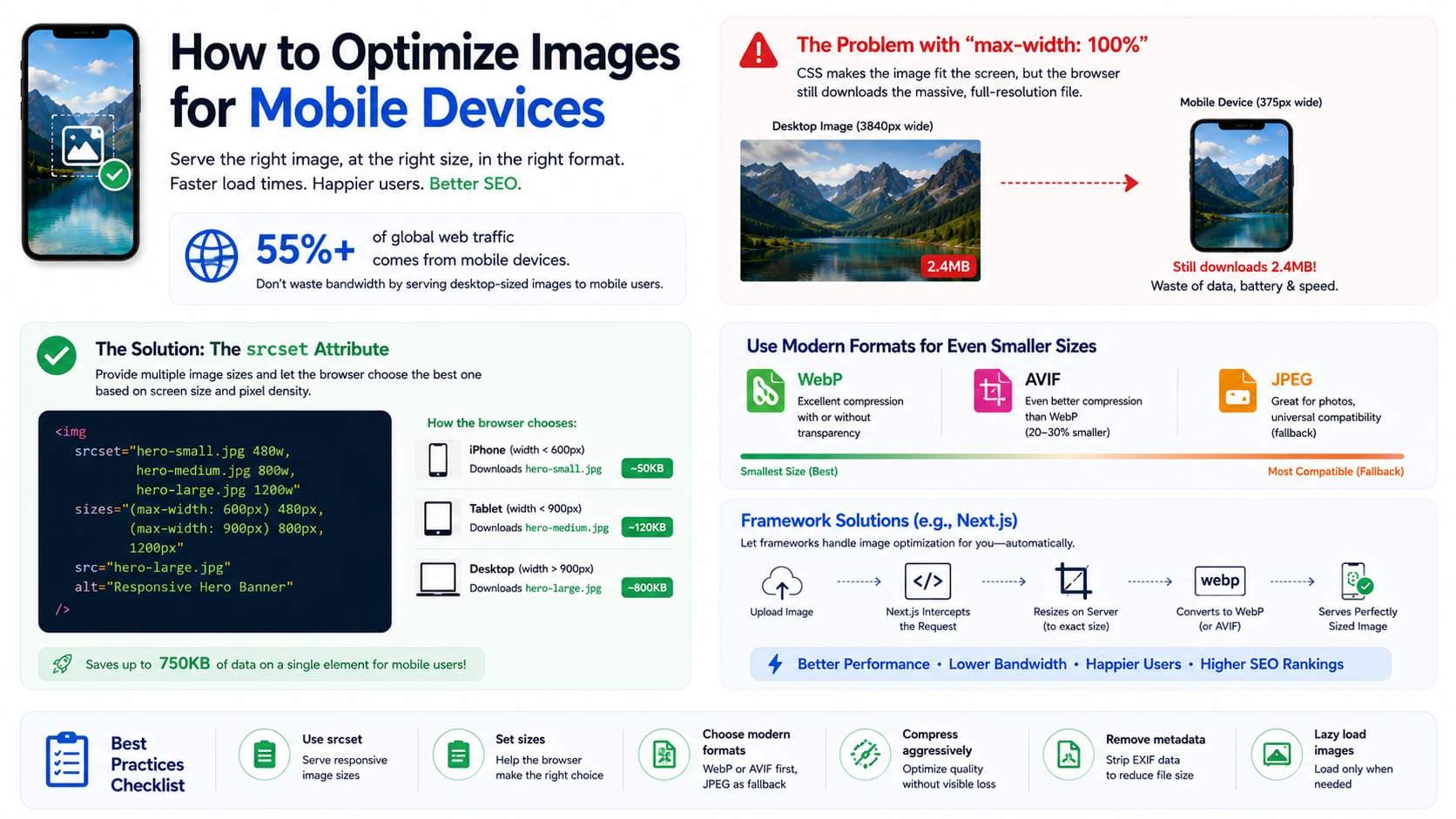
Over 55% of all global web traffic now originates from mobile devices. Despite this, many developers still serve massive, desktop-sized images to mobile users. Serving a 4K desktop hero image to a 375px wide smartphone is a colossal waste of bandwidth, battery life, and processing power.
The Problem with "max-width: 100%"
In CSS, we often use `img { max-width: 100%; height: auto; }` to make images visually responsive. While this makes the image fit the screen physically, the browser still downloads the massive, full-resolution file.
The Solution: The srcset Attribute
HTML provides a native solution for responsive images: the `srcset` attribute. This allows you to provide multiple versions of the same image at different sizes, and the browser's internal logic determines which one to download based on the user's screen size and pixel density.
<img
  srcset="hero-small.jpg 480w,
          hero-medium.jpg 800w,
          hero-large.jpg 1200w"
  sizes="(max-width: 600px) 480px,
         (max-width: 900px) 800px,
         1200px"
  src="hero-large.jpg"
  alt="Responsive Hero Banner"
/>
In the code above, if a user is on an iPhone (width < 600px), the browser will intelligently choose to download `hero-small.jpg` (which might be 50KB) instead of `hero-large.jpg` (which might be 800KB). This saves 750KB of data transfer on a single element!
Framework Solutions
Generating all these different image sizes manually is tedious. Modern frameworks like Next.js handle this automatically via their `<Image />` component. Under the hood, Next.js intercepts the request, resizes the image on the server, converts it to WebP, and serves the perfectly sized asset for the requesting device.
Ready to optimize your images?
Try OFIC Free