Lossless vs. Lossy Compression: What You Need to Know
A detailed comparison of lossless and lossy image compression. Learn when to use each method to balance file size and visual quality.
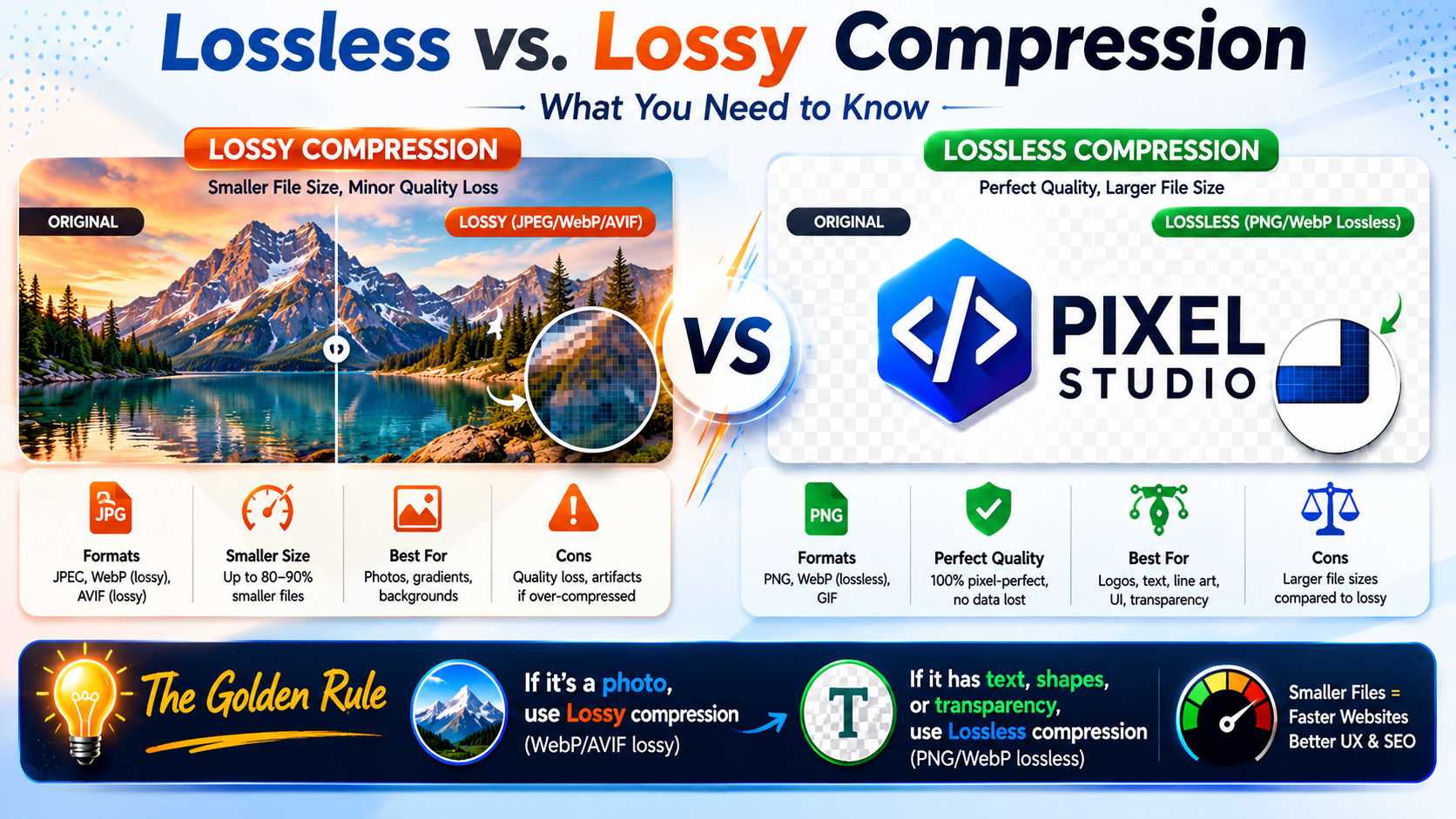
When optimizing files for the web, you generally have two fundamental choices: Lossless and Lossy compression. Understanding the technical differences between the two is crucial for maintaining a professional-looking website while keeping load times blazing fast.
Lossy Compression: The Web Standard
Lossy compression permanently removes some data from the original file to drastically reduce its size. The algorithms are designed around human psycho-visual models; they aim to discard the specific visual data that the human eye is least likely to notice.
For example, in a photograph of a blue sky, there might be 5,000 slightly different shades of blue. A lossy algorithm might average these out to just 50 shades of blue. To a human looking at a smartphone screen, the sky still looks perfectly normal, but the file size has been slashed by 80%.
- Best for: Photographs, complex gradients, background images.
- Formats: JPEG, WebP (lossy mode), AVIF (lossy mode).
- Pros: Massive file size reductions (up to 90%).
- Cons: Permanent loss of quality, can cause compression artifacts (blockiness) if pushed too far.
Lossless Compression: Pixel Perfect
Lossless compression reduces file size without losing a single pixel of quality. It works more like a ZIP file; it finds mathematical patterns in the data to encode it more efficiently. When the image is decompressed by the browser, it is mathematically identical to the original source file.
While lossless compression retains perfect quality, it cannot achieve the massive file size reductions that lossy compression can.
- Best for: Logos, typography, medical imaging, technical diagrams, line art.
- Formats: PNG, WebP (lossless mode), GIF.
- Pros: Perfect visual fidelity, sharp edges, no artifacts.
- Cons: File sizes remain relatively large.
The Golden Rule for Web Developers
As a rule of thumb: If the image is a photograph, use Lossy compression (WebP/AVIF). If the image contains text, sharp geometric shapes, or requires a transparent background, use Lossless compression (PNG/WebP Lossless).
Ready to optimize your images?
Try OFIC Free