SEO•4 min read
How to Fix 'Serve Images in Next-Gen Formats' in PageSpeed Insights
A step-by-step guide to fixing the common Google PageSpeed Insights warning by converting your assets to WebP or AVIF.
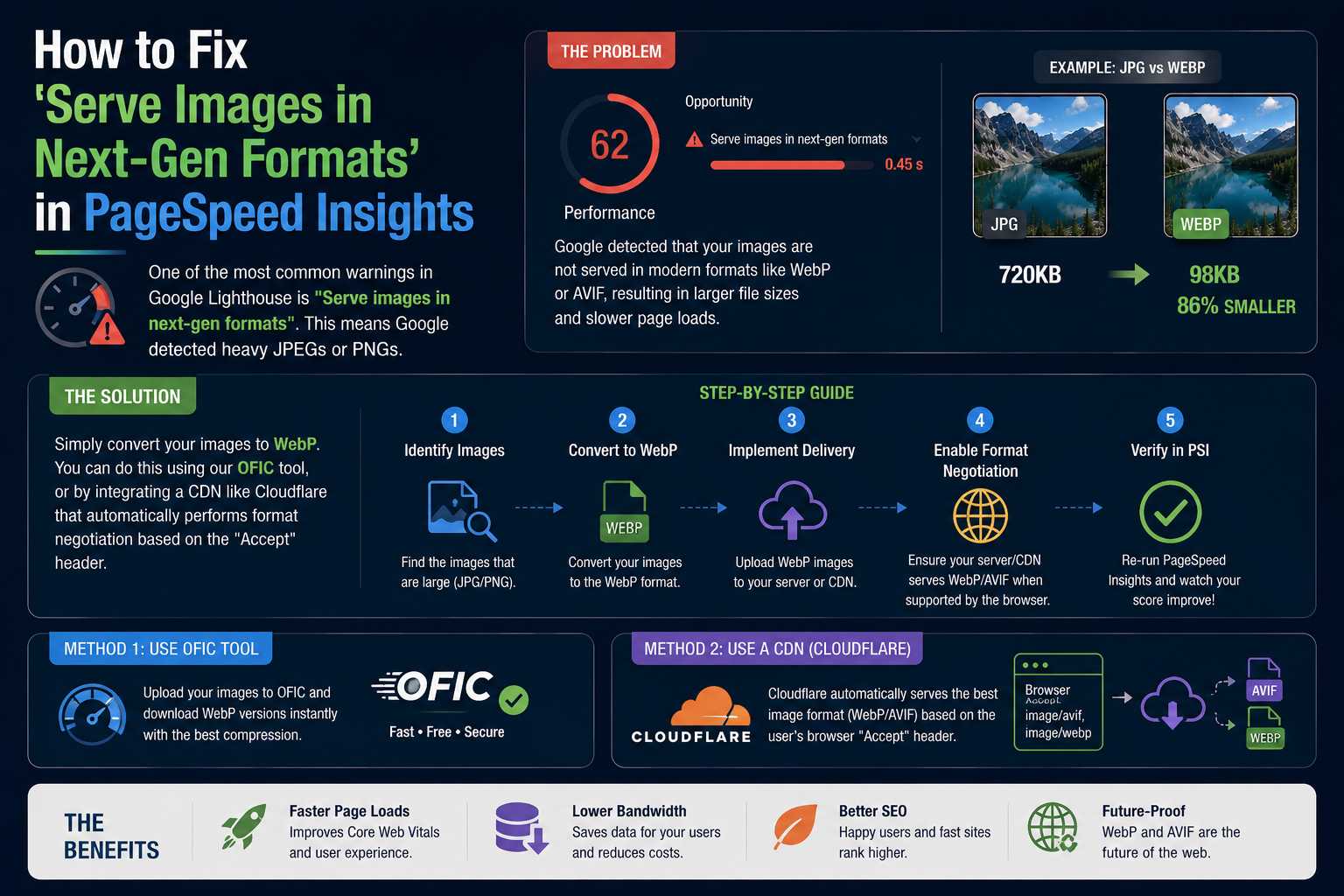
One of the most common warnings in Google Lighthouse is "Serve images in next-gen formats". This means Google detected heavy JPEGs or PNGs.
The Solution
Simply convert your images to WebP. You can do this using our OFIC tool, or by integrating a CDN like Cloudflare that automatically performs format negotiation based on the "Accept" header.
References & Further Reading
Ready to optimize your images?
Try OFIC Free